
Roblox Gift Cards
1 Choose country / server Packages vary by country
Packages below forRoblox Saudi Arabia — Make sure your account is in this country.
بطاقات روبلوكس السعودية 2026: الشراء والاسترداد خطوة بخطوة
About Roblox Saudi Arabia
Roblox SA cards in Saudi riyals are for Roblox accounts registered in Saudi Arabia. Roblox is not a single game but a platform where players themselves build millions of experiences and share them with friends, which is why anyone who spends time there needs Robux for outfits, accessories and perks inside experiences.
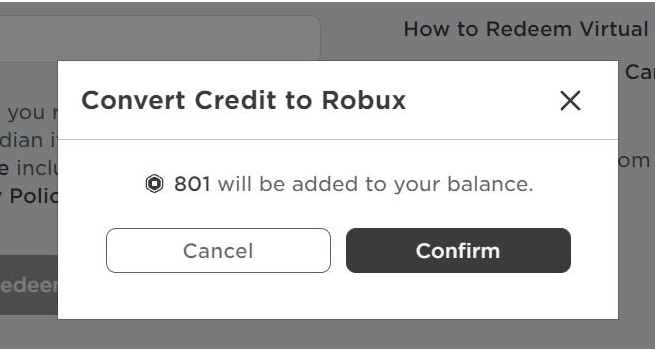
Cards come in 20, 50, 100, 200 and 500 riyals. The card value is added to your account as credit, and you then choose to convert it into Robux or use it for a Roblox Premium subscription. It is a convenient option for parents, who can set what their children spend without linking a bank card to the account.
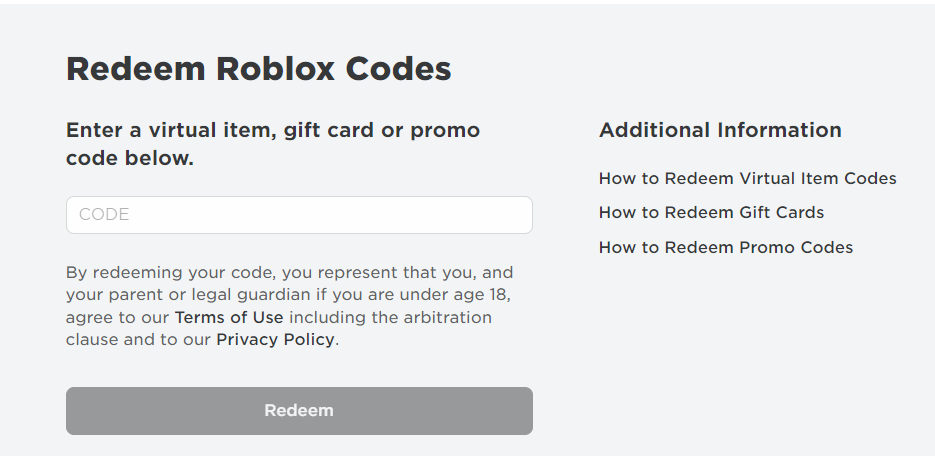
The code arrives digitally once the order is complete, and it is best redeemed in a browser on the Roblox website's redemption page after signing in. The card is meant for Saudi store accounts, so do not use it on an account registered in another country. If you are giving it to a child, help them redeem it the first time so you can confirm the credit reached their own account.
FAQ
Does Roblox card credit turn into Robux automatically?
It is added as credit to the account, and you then choose to buy Robux or a subscription.
Can I redeem the card in the mobile app?
Redeeming in a browser via roblox.com/redeem is recommended.
Is the Saudi card valid for an account registered in another country?
This card is meant for Roblox accounts on the Saudi store.
Is the card a good gift for children?
Yes, it gives them a set amount of credit with no bank card needed on the account.
Reviews
Reviews here are from customers who actually completed their order — Be the first to rate after purchase.
How to use
- Choose the riyal value, complete payment, then copy the code.
- Open the Roblox website in a browser and sign in to the right account.
- Go to roblox.com/redeem.
- Enter the card code and tap Redeem.
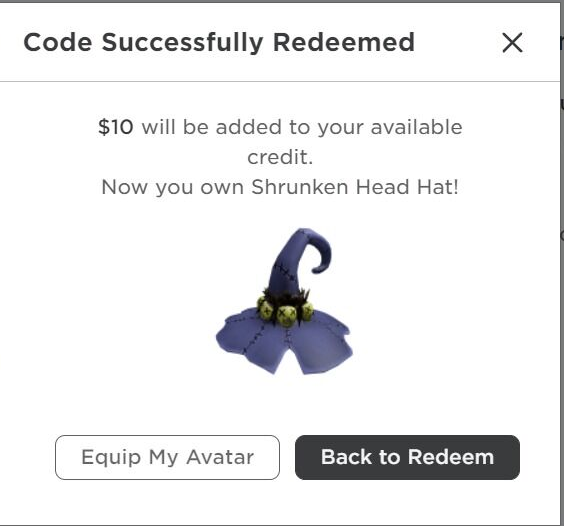
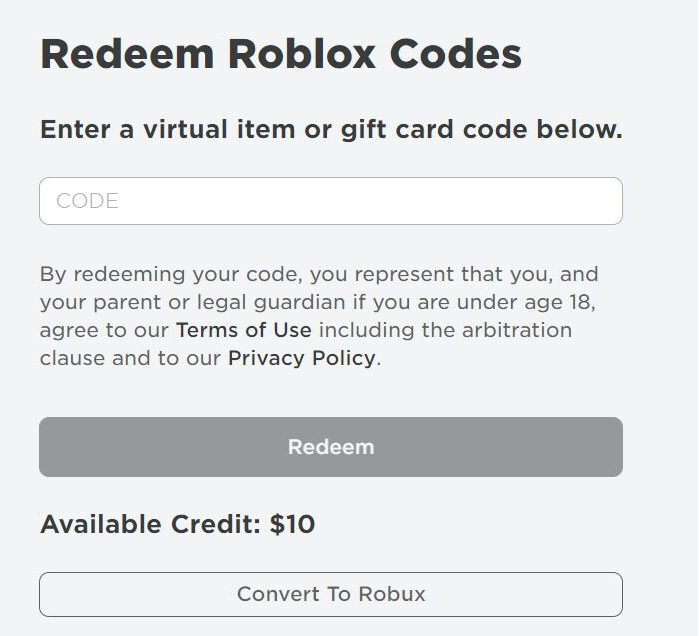
- The credit will appear in your account.
- Choose to convert it into Robux or use it for Premium.